

Inclusive by Design
Explore our inclusive principles for great learning
Inclusive by Design should be an integral part of all learning and development. Explore our principles to make learning accessible for all.
Inclusive by design removes barriers before they occur, fostering equitable learning and applying practices that benefit everyone, enhancing usability, engagement and access.
This inclusive by design, forward thinking approach demonstrates our commitment to not only creating accessible learning opportunities for all, but accessible resources, policies, and videos. All outputs from the organisation are informed by the inclusive by design approach.
In our most recent brand update, in 2024, we focused on ensuring our brand not only met industry standards for inclusivity, we also went beyond those standards to allow the widest possible access to UK Coaching’s content. Research and action by our Creative Services team saw changes to the colour palette, text size, editorial language, minimum standards for audio and video content developed, and an illustrations and icons section.
For example, closed caption (subtitles) have been used on videos since the early 1980s, generally to allow audiences to read the script in a different language to that being spoken in the video or to aid viewers who are deaf or hard of hearing. For this reason, they have been available purely as an option, to be turned on or off.
An inclusive by design approach acknowledges that the situation is more varied than that. As well as viewers with a permanent need for subtitles, such as those who are hard of hearing, there are also viewers with a temporary need. That could be someone with an ear infection, for example, or someone on public transport who doesn’t have headphones to use. Additionally, there are viewers with a situational need, such as being in a noisy environment where they can’t pick up everything being said in the video.
By hard-coding subtitles onto every video, we ensure they are accessible to everyone watching, regardless of the situational, temporary or permanent nature of their ability to hear. Knowing subtitles will feature on every video also allows us to plan in advance for a space to be left in the bottom sixth of the screen, ensuring no crucial visual information is covered or impacted by the use of solid subtitles.
Since creating those updated approaches, we have been continuing to explore the latest AI-powered technology to support staff to achieve high levels of accessibility standards, acknowledging that while being inclusive by design can increase the effort and time a development takes, the need for full accessibility is of greater importance for us as an organisation.

Below is a selection of our core inclusivity principles.
- Inclusion isn’t optional. It is part of everyone’s role
- Accessible by design
- Led by lived experience
- Keep it real
- Use clear, inclusive language and imagery
- Flexible and personal approach to learning
- Enable growth and progression for the individual
- Learn together through sharing and sense-making.
- Reflect, apply, act as core actions
- Monitor and improve.
Our content should be inclusive and representative of society. Examples of how we can be representative in our content design include:
Images and videos provide an “at-a-glance” feel for the tone of the product and its inclusivity. We want all people from a diverse cross-section of society to feel a sense of belonging and connection through our selected imagery, which should be fully representative of society. It should be clear what is happening in any imagery we choose. The actions in all images should reflect our own standards, values and understanding of good practice.
Scenario creation should balance recognisable content with inclusivity. They should be relevant to the accompanying content or course, relevant to the intended audience, should include a range of sports and physical activities, and should include a deliberately diverse group of individuals. They should be regularly tested with intended audiences for review and feedback to ensure it remains fit for purpose and relevant.
We strive to represent coaching in a wide range of sport and physical activity spaces, including a representation outside the ‘traditional’ sporting world (unless the content is sport-specific) and across age groups, and tackle stereotypes by using images of people talking and participating that may not look the way that people traditionally expect, for example, from a cultural background not traditionally associated with the sport.
Language sets the tone of the content. We want content to be able to be read by the widest possible group of users while still retaining the integrity of the core content. With that in mind, we aim to use appropriate voices or audio that matches the gender, ethnicity, age or other (including intersectionality) features of the visual character depiction. We avoid slang and regional dialect use, except when creating realistic quotes or spoken word scenarios. We use simple language where possible but retain key technical words and phrases where necessary. Our priority is for language to be inclusive and not to be a barrier to anyone wanting to engage in our resources.
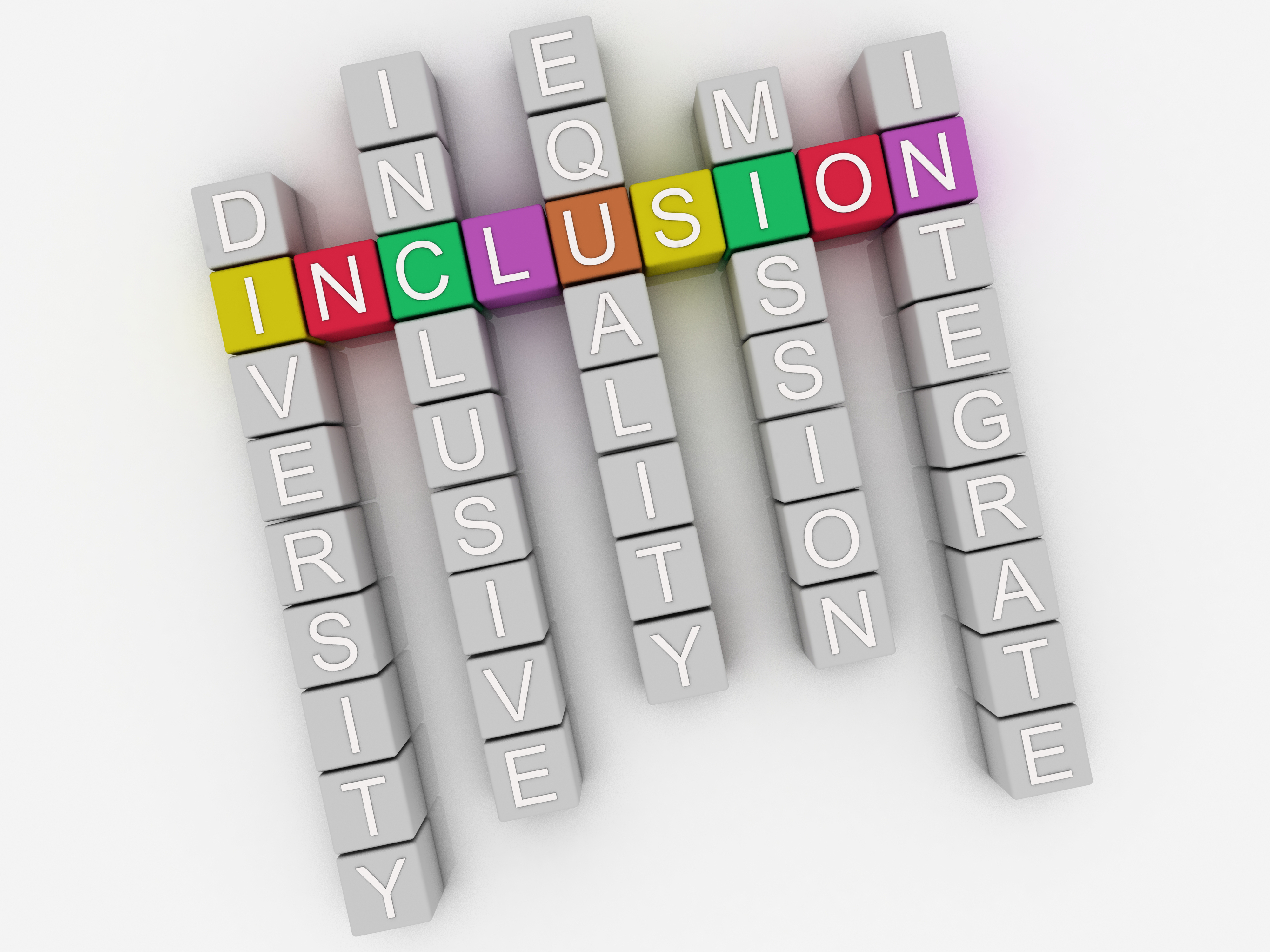
Viewing inclusive design through an accessibility lens allows us to create experiences that work for everyone, regardless of physical, auditory, visual, or cognitive individual needs or disabilities. It is important to remember that:
- Differences or disability may be permanent; for example, an individual with hearing loss
- Differences or disability may be temporary, for example, a head-cold impacting hearing
- Differences or disability may be situational, for example, an individual in a noisy environment.
We provided staff with guidance and support to help them consider inclusivity in anything they design and develop. Below is a small selection of considerations that staff use, which highlights a number of important approaches, all of which ensure that resources are inclusive and accessible for all.
- Construct all hyperlinks using meaningful and descriptive text, not just generic words such as 'here', to aid screen reader identification. Ensure hyperlinks look different from headings and normal text:
- In this example, underline text indicates a link:
- ‘Download the tender document here’ would be acceptable
- ‘Download the tender document here’ would not be acceptable.
- Words that are not hyperlinked should not be underlined
- Use 14pt text size as standard
- Use sans serif fonts, such as Arial
- Left align text, without justification. This makes it easier to find the start and finish of each line and ensures even spacing between words
- Spacing between lines of text and white space to make reading easier
- Consider if bullet points or numbering will aid readability and ensure that the lead-in text and bullets flow correctly.
- Ensure sufficient white space in the resource
- Ensure appropriate colour contrast between text and backgrounds
- Low colour and resolution downloadable documents to be made available
- Before generating a PDF, run the Accessibility Checker to make sure your document is easy for people of all abilities to access and edit.
- For audio soundbites and podcasts, provide show notes, descriptive text and transcript
- Avoid using background sound in audio where possible
- Listeners should be able to control audio settings and play back speed
- Closed captions (subtitles) included as standard
- Avoid flashing lights and rapidly changing visuals; unless unavoidable, in which case clearly warn the audience
- Do not fade out text automatically (this may lead to an individual with reading difficulties missing the text).
- For a in-person event, such as a workshop or community gathering: ask for requests for reasonable adjustments prior to the event, support an individual’s needs at no additional cost
- Ensure venues have appropriate accessible facilities, including step free access, parking, quiet spaces available, and temperature control.
- Provide accessibility packs prior to attendance to inform attendees of key information, such as access to the venue; pictures of the venue and quiet areas; images of staff who will be there; and travel guidance and arrangements.
- Schedule comfort breaks and adhere to timings
- Avoid distracting visuals or animation
- Make email correspondence easy to navigate, breaking up text into smaller sections.
- Avoid requesting precise actions that would be difficult for someone with tremors or who is using a mouth stick
- In a piece of online learning, slides should have page numbers which also include the total number of pages in the module. A standard welcome scene with information regarding accessibility should be included. The accessibility lightbox scene should be able to be accessed from anywhere in the module using both Alt+A and the Accessibility player tab
- Set custom accent colours and focus colours to match the brand style whilst also meeting contrast guidelines: WebAIM: Contrast Checker
- Ensure that the focus order for PowerPoint slides is in a logical order. Our standard format included page number, title, body text and any icons followed by the appropriate descriptive text
- Add alt text to any interactive elements that do not contain default text. For example, images, icons or buttons
- If images contain text, add descriptive alt text which relays the exact text to the focus order
- Images for decorative purposes can be selected as ‘decorative use’ in the alt text which helps screen readers
- Keep navigation simple and consistent
- Do not use timed tests.
Interested in finding out more?
Do you have any questions or comments on our inclusive by design principles, or would you like to explore further and discuss support in implementing a similar approach in your organisation?